To keep your TheirCare account secure we require all employees to utlise multifactor authentication (MFA).
While logging into your email account you will be prompted to set up MFA utilising the official Microsoft Authenticator application.
Downloading the Application:
There are lots of authenticator applications in the application store, and you may even have one already installed for other systems; however, our system requires you to use the official Microsoft Authenticator application.
iOS Devices (Apple)
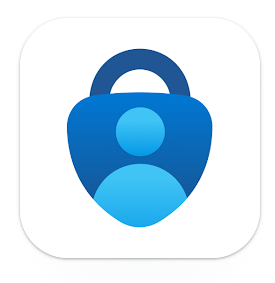
Open the App Store on your mobile device and search for "Microsoft Authenticator" then follow the prompts to download and install. The icon will look like the image below.
Direct Link: https://apps.apple.com/us/app/microsoft-authenticator/id983156458
Android Devices
Open the Google Play Store on your mobile device and search for "Microsoft Authenticator" then follow the prompts to download and install.
Direct Link: https://play.google.com/store/apps/details?id=com.azure.authenticator
Setting Up Authenticator:
You should be be automatically be prompted set up your account on Microsoft Authenticator when you first log into work emails. To view the step by step instructions for this process, including authenticator please go to
https://theircare.freshdesk.com/a/solutions/articles/44002663584?portalId=44000128061
If you need to manually link your work account to the application outside of the initial set up steps above you can follow these steps:
Troubleshooting:
| When I scan the QR code nothing happens | If using the QR code option to link your account to the application you must scan the code using the Microsoft Authenticator app not your phone's camera application. Ensure that you have clean camera lens Check the brightness of the screen you are trying to scan is high/bright Align the QR code with the square on the screen. |
| I dont know my password | Refer to the instructions in this knowledge base article about resetting your password: https://help.theircare.edu.au/support/solutions/articles/44002663589-resetting-your-microsoft-password |
| I already have Microsoft Authenticator set up for another system outside of TheirCare. Can I add more than one account? | Yes, the application supports mutiple accounts |
| The notification with the code does not come up on my phone | Check:
|
Was this article helpful?
That’s Great!
Thank you for your feedback
Sorry! We couldn't be helpful
Thank you for your feedback
Feedback sent
We appreciate your effort and will try to fix the article