This guide will walk you through the steps to log into Humanforce Workforce Management (WFM). Whether you’re checking your roster, submitting availability, or managing timesheets, this article will help you access your account quickly and easily.
Instructions
If you have already signed into another TheirCare SSO application you may not need to complete steps 3-8.
1. Navigate to https://theircare.humanforce.com/

2. Click "Continue with SSO"

3. Enter your work email address
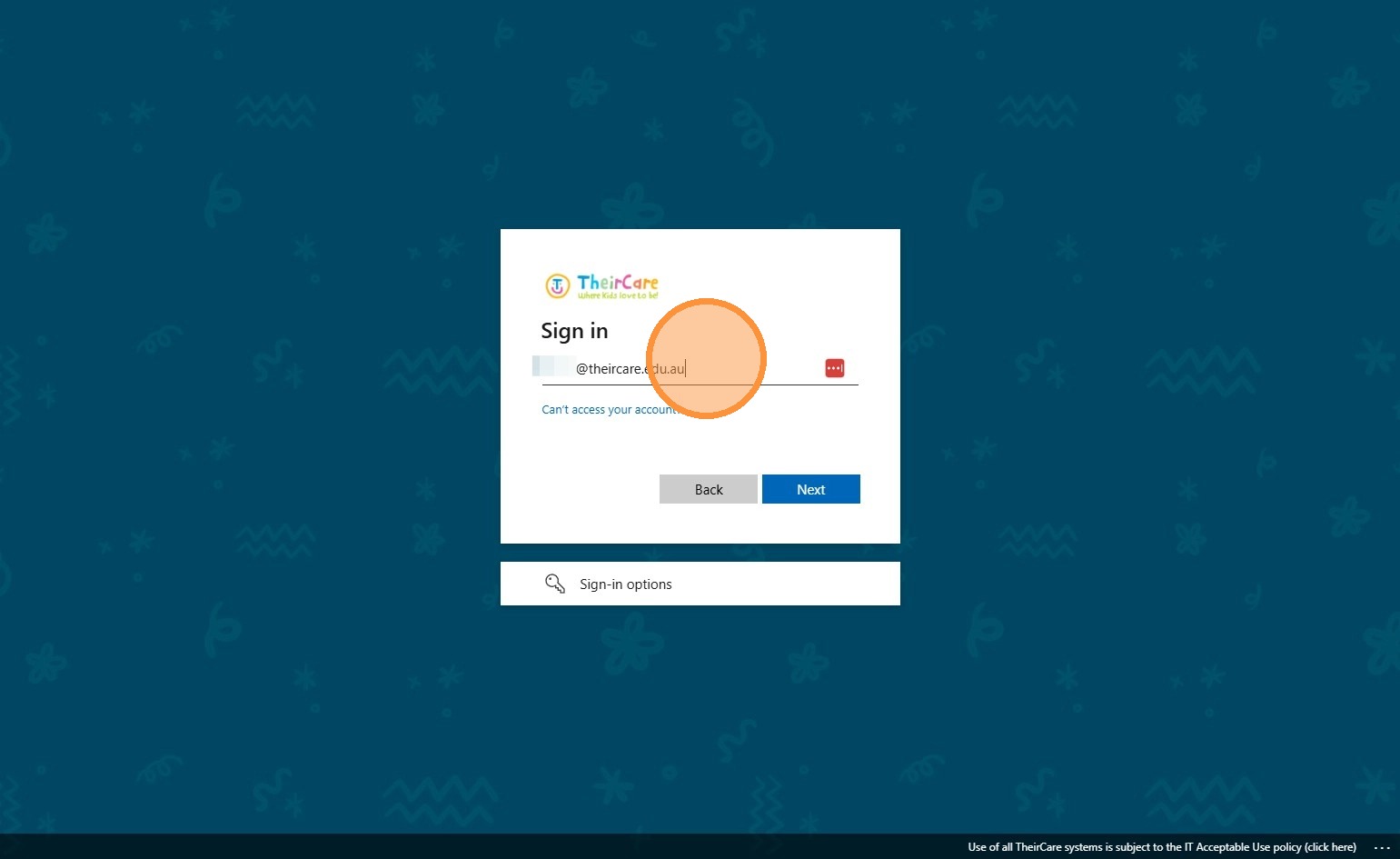
4. Click Next
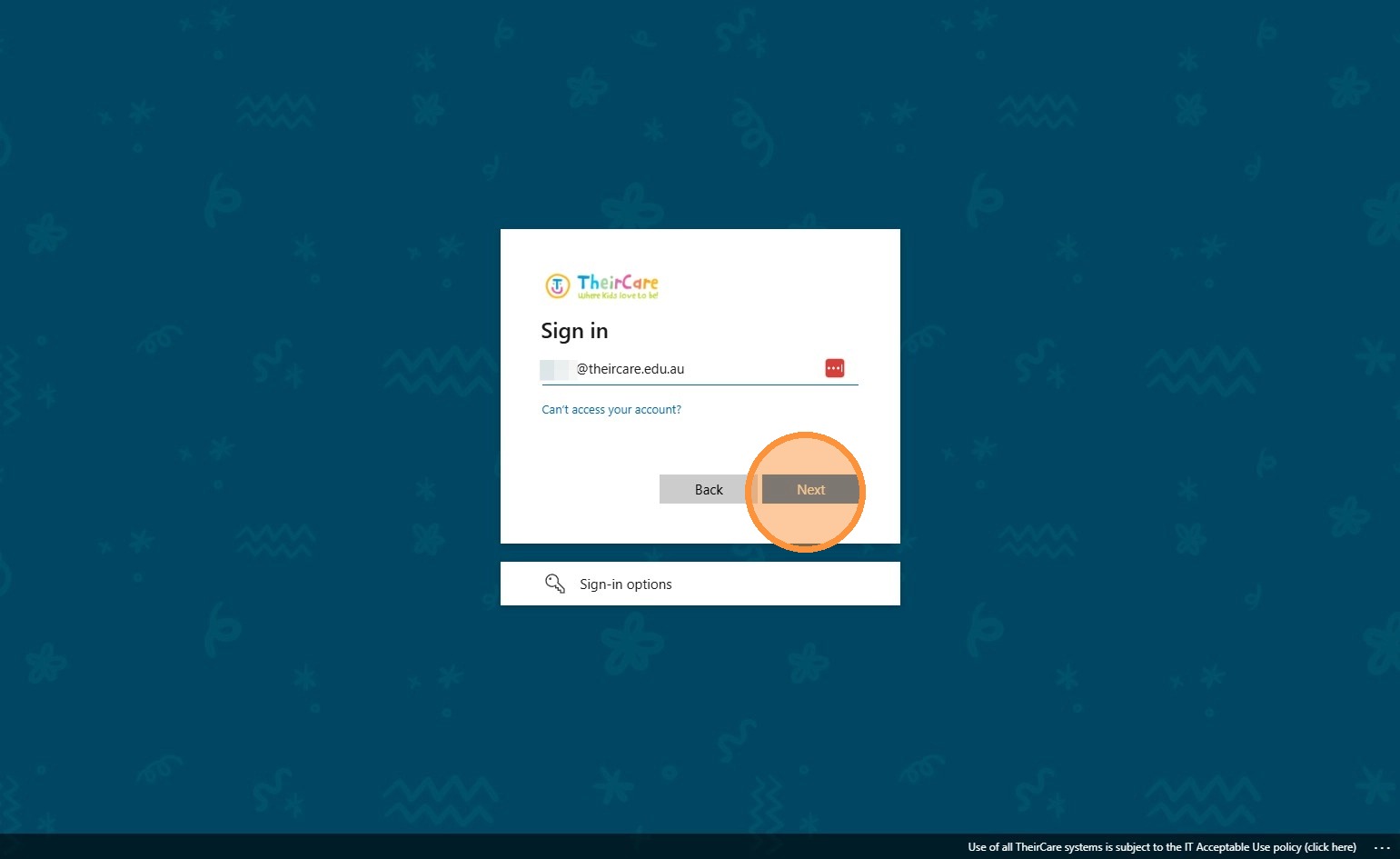
5. Enter your password
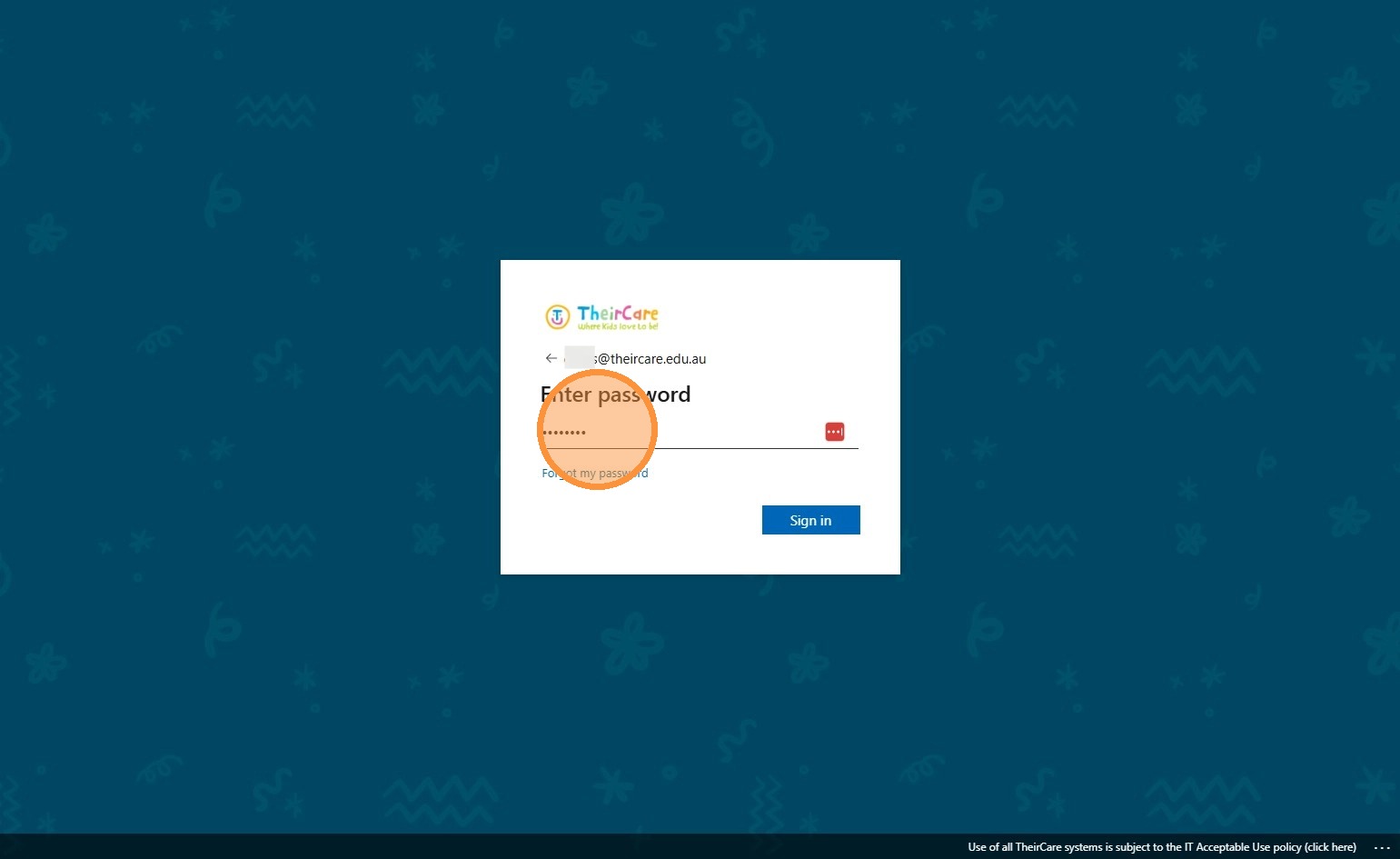
6. Click Sign In
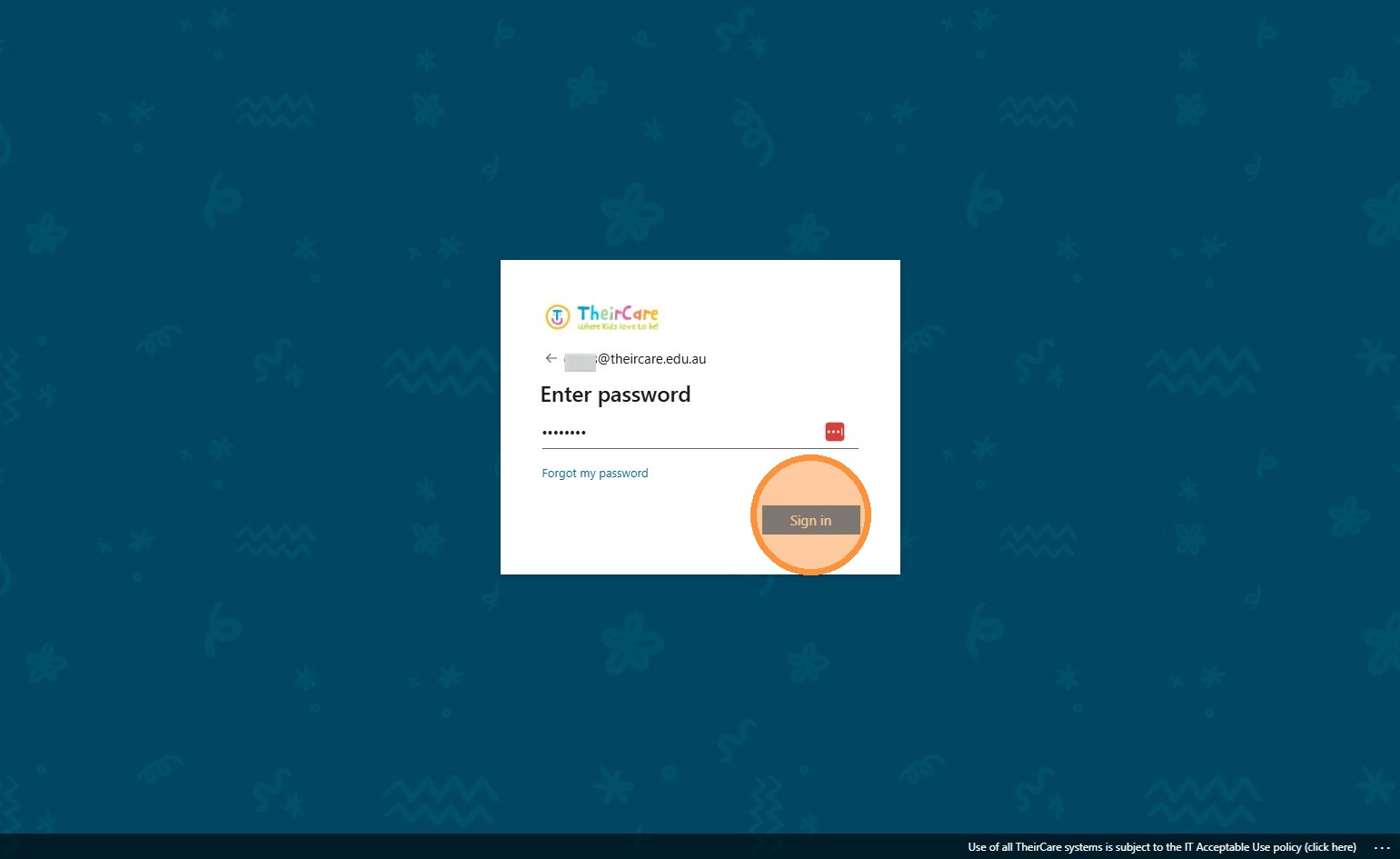
Tip: You may be prompted to complete Multifactor Authentication via the Microsoft Authenticator application or by SMS. Follow the instructions on screen
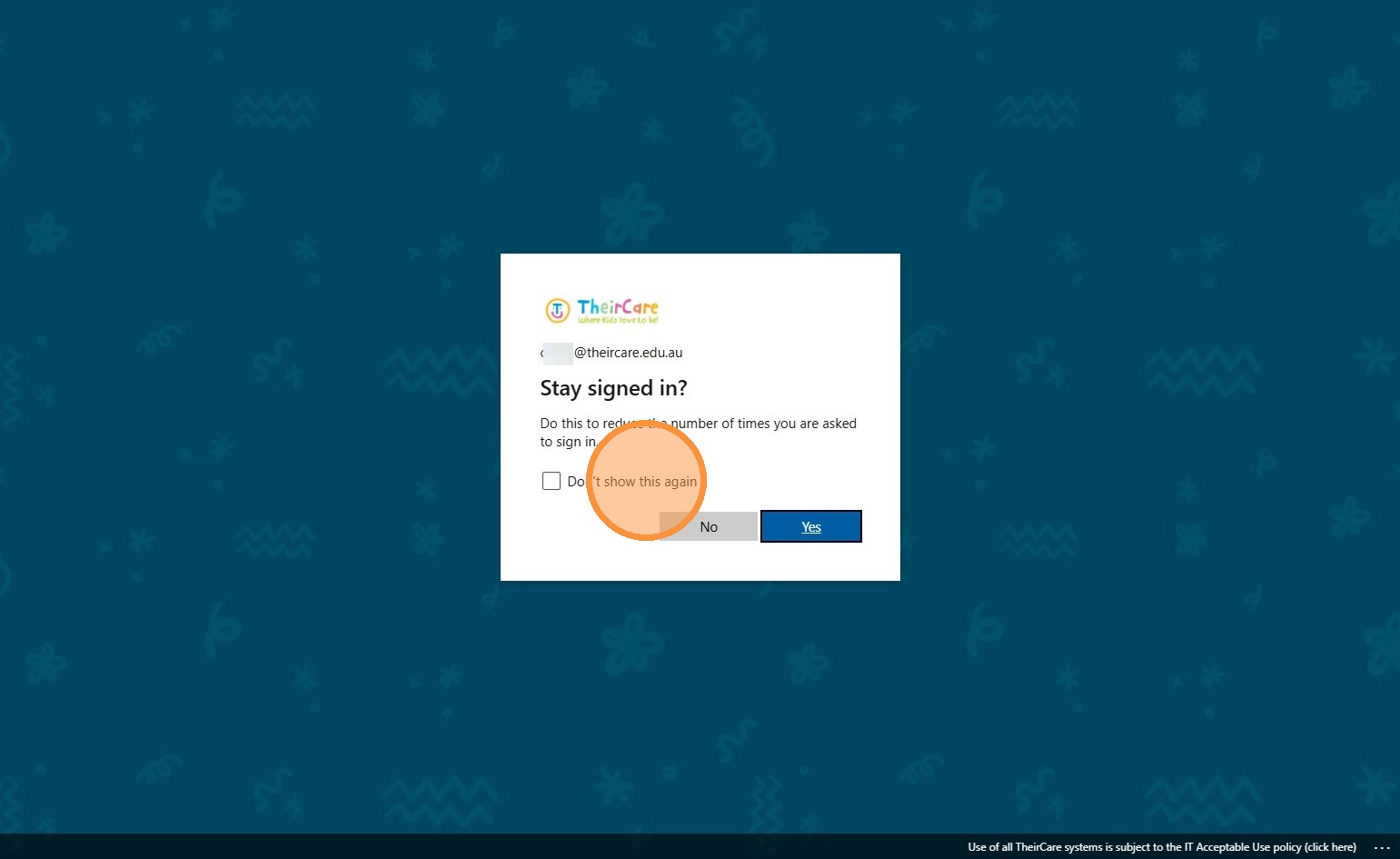
7. Click "Don't show this again"
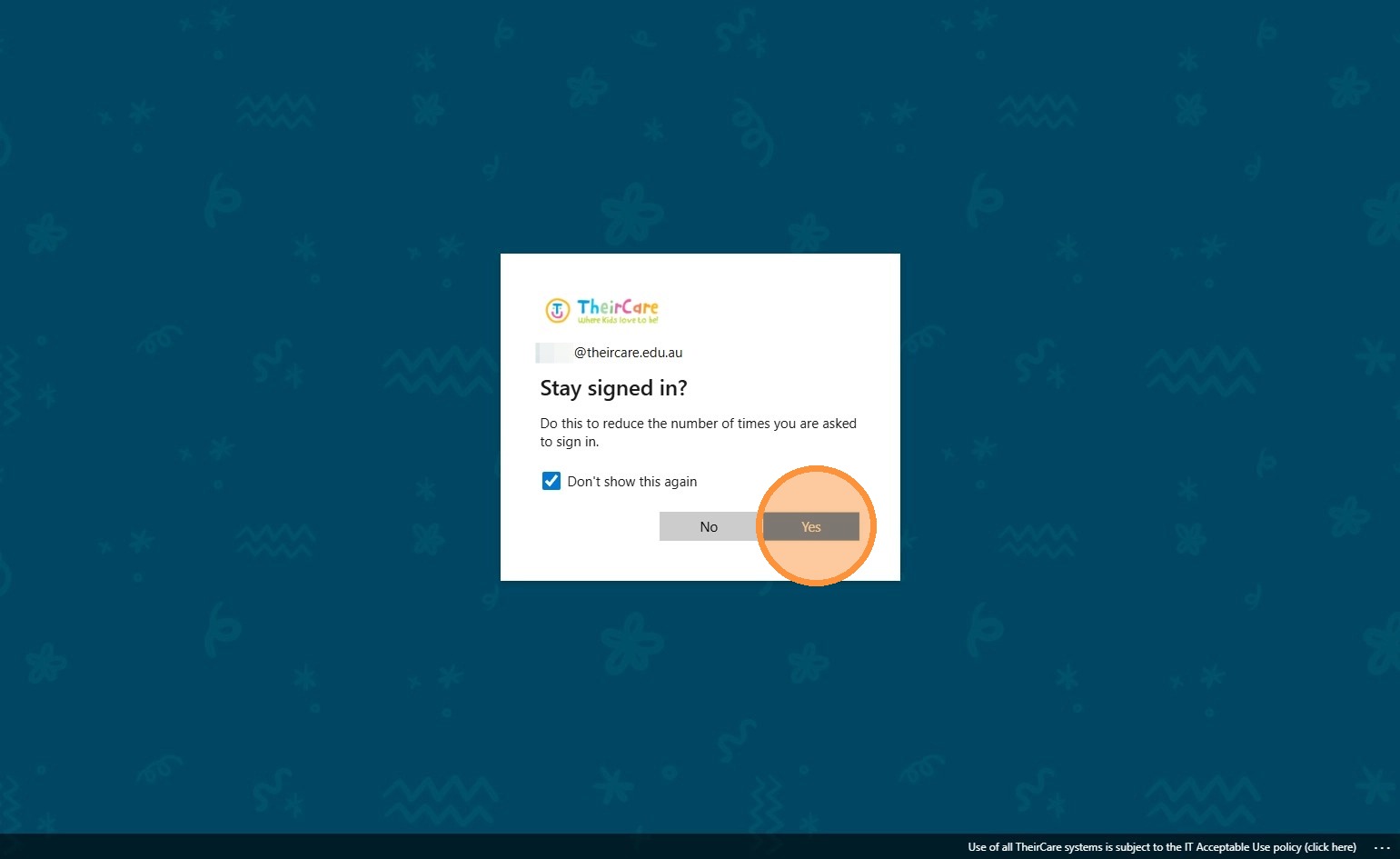
8. Click the Yes button.
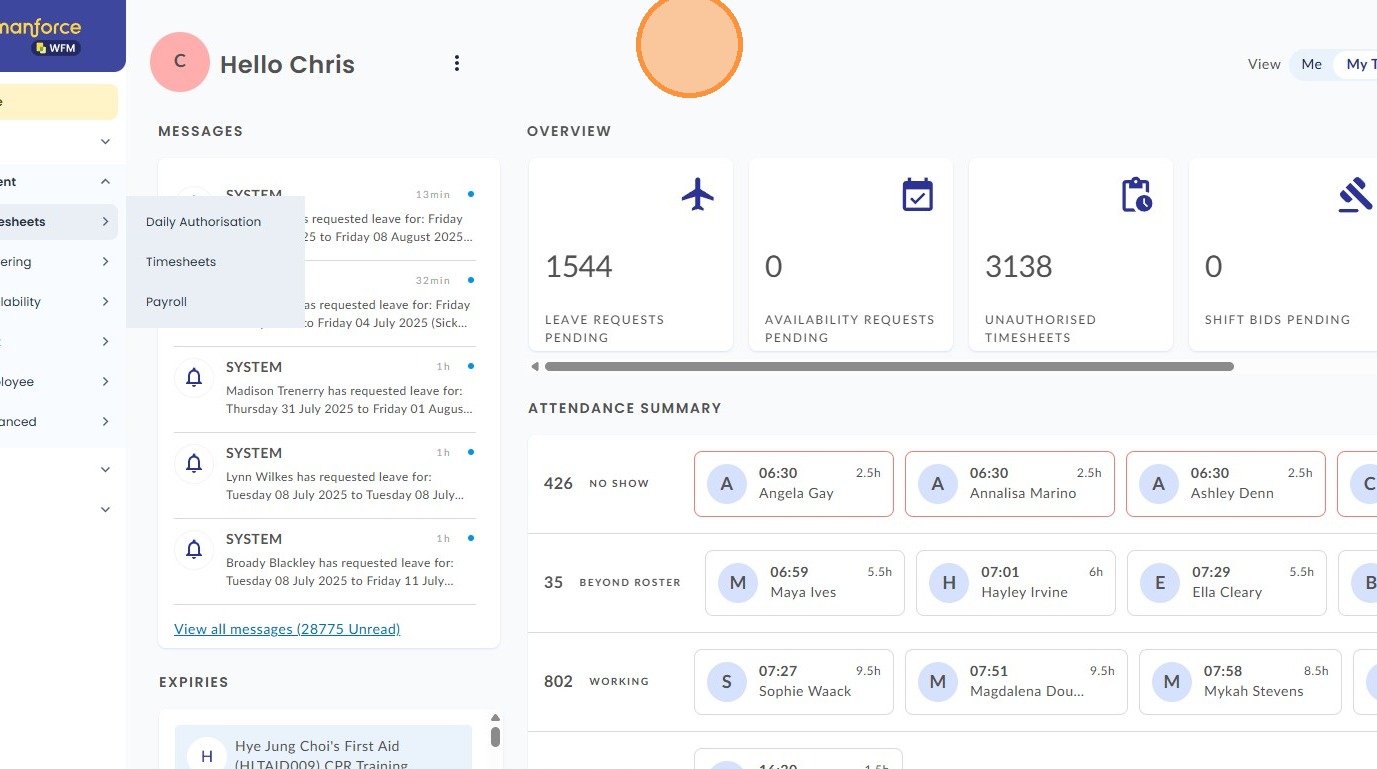
9. You have now signed in
Video Guide
Was this article helpful?
That’s Great!
Thank you for your feedback
Sorry! We couldn't be helpful
Thank you for your feedback
Feedback sent
We appreciate your effort and will try to fix the article