Follow this guide to successfully authenticate your account through the Single Sign On portal. Learn the correct steps to enter your email address and submit your login credentials efficiently.
1. Navigate to https://terrie.theircare.com.au/

2. Click "Log in with Single Sign On"

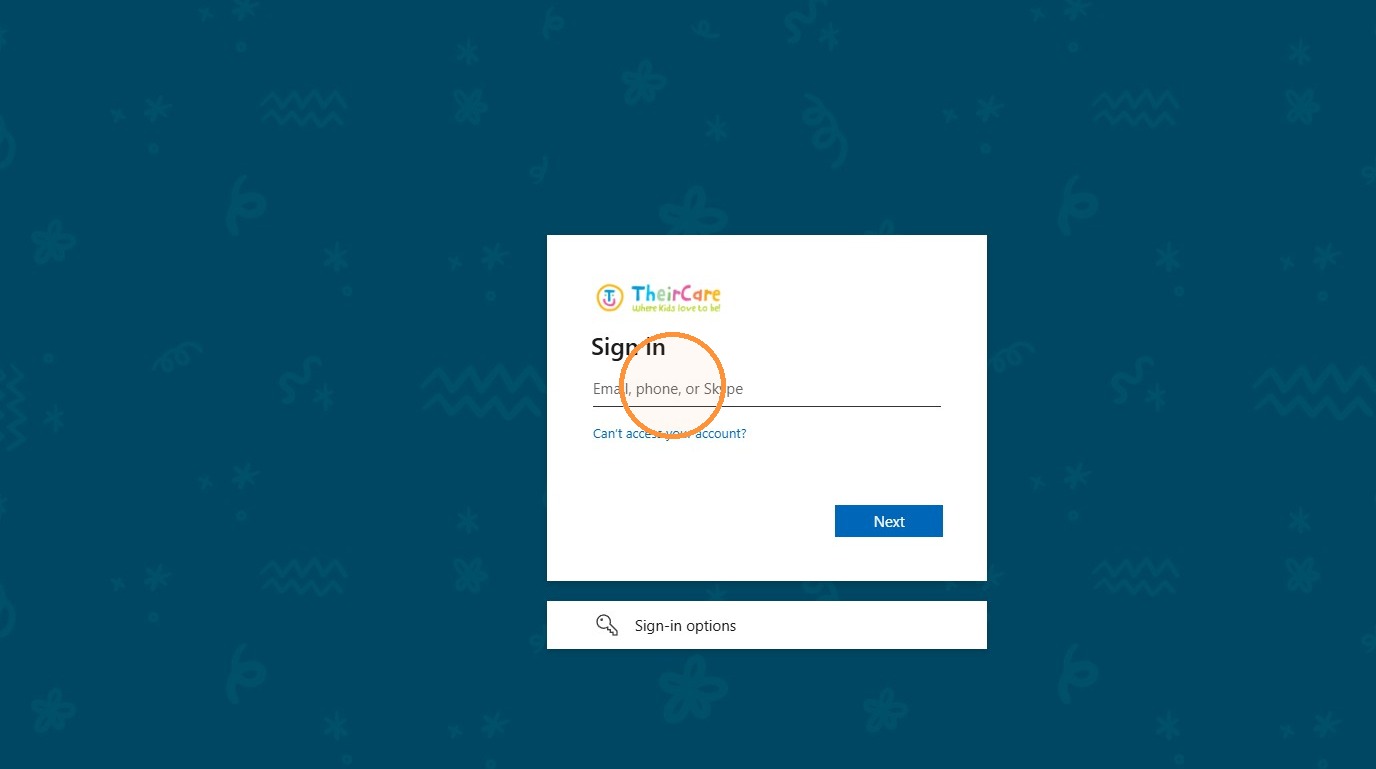
3. Enter your email address and password
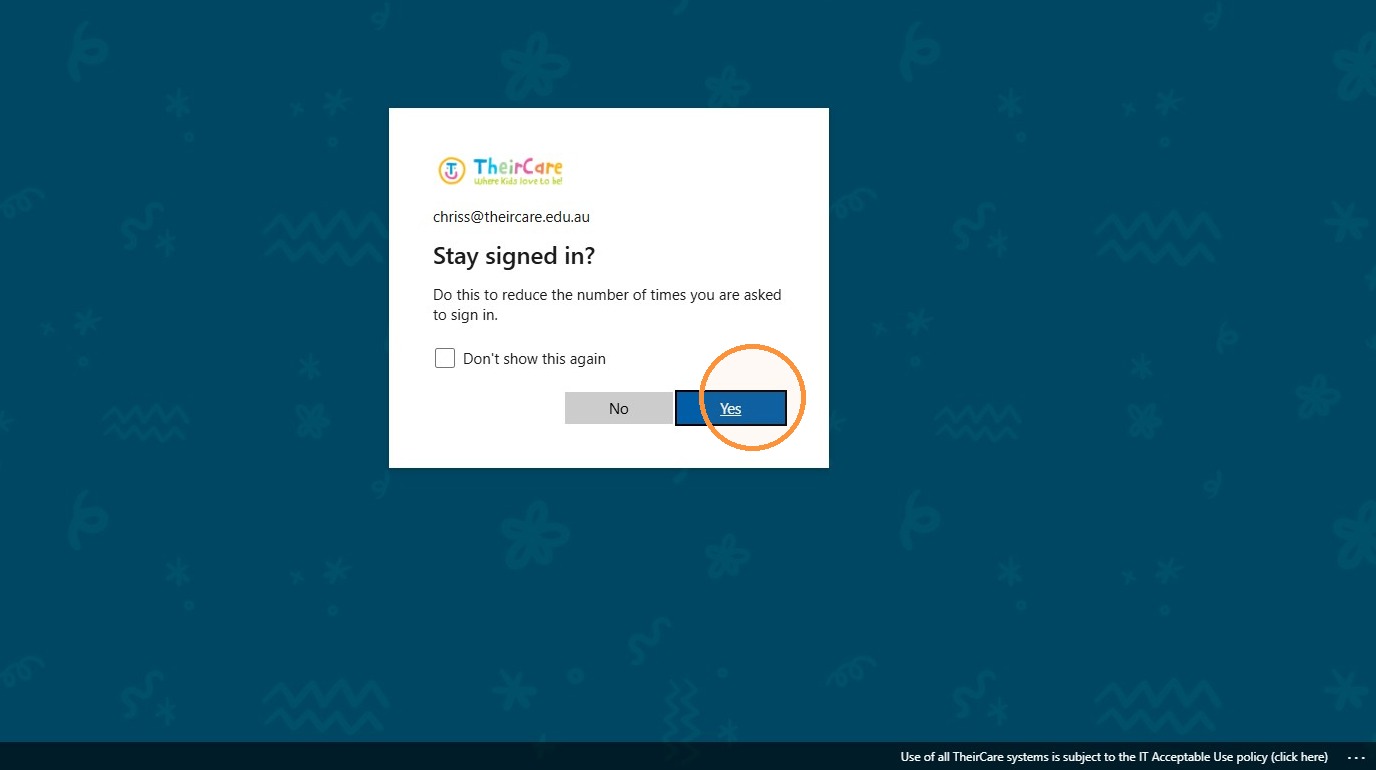
4. Click Yes to stay signed in
Was this article helpful?
That’s Great!
Thank you for your feedback
Sorry! We couldn't be helpful
Thank you for your feedback
Feedback sent
We appreciate your effort and will try to fix the article