Ignite is a Learning Management System (LMS) that provides access to a wide range of online training and professional development resources. It brings together courses, videos, and learning pathways from trusted content providers, making it easy for staff to complete mandatory training, build new skills, and grow their careers — all in one place.
Website/Link
Instructions to use article templates
Ignite is a Learning Management System (LMS) that provides access to a wide range of online training and
1. Navigate to https://learning.theircare.edu.au
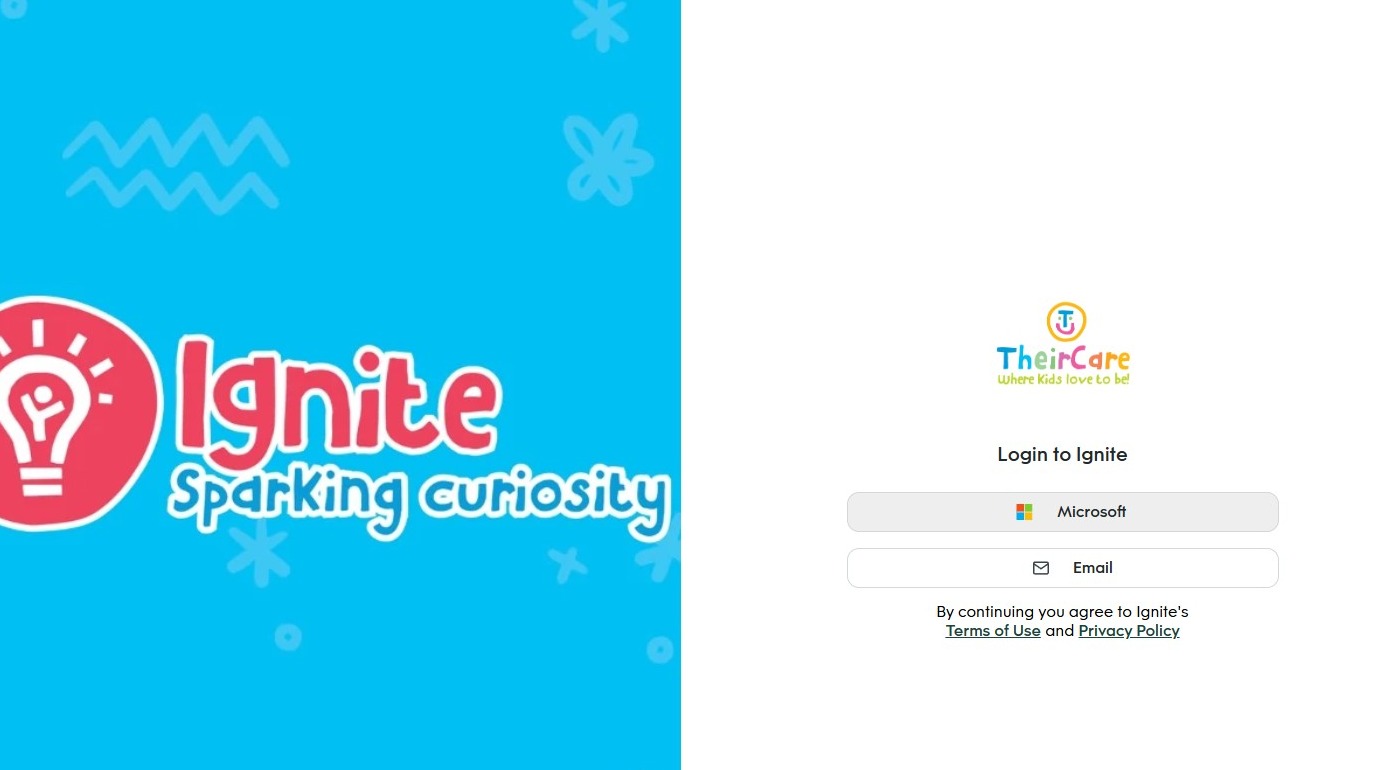
2. Click "Microsoft"
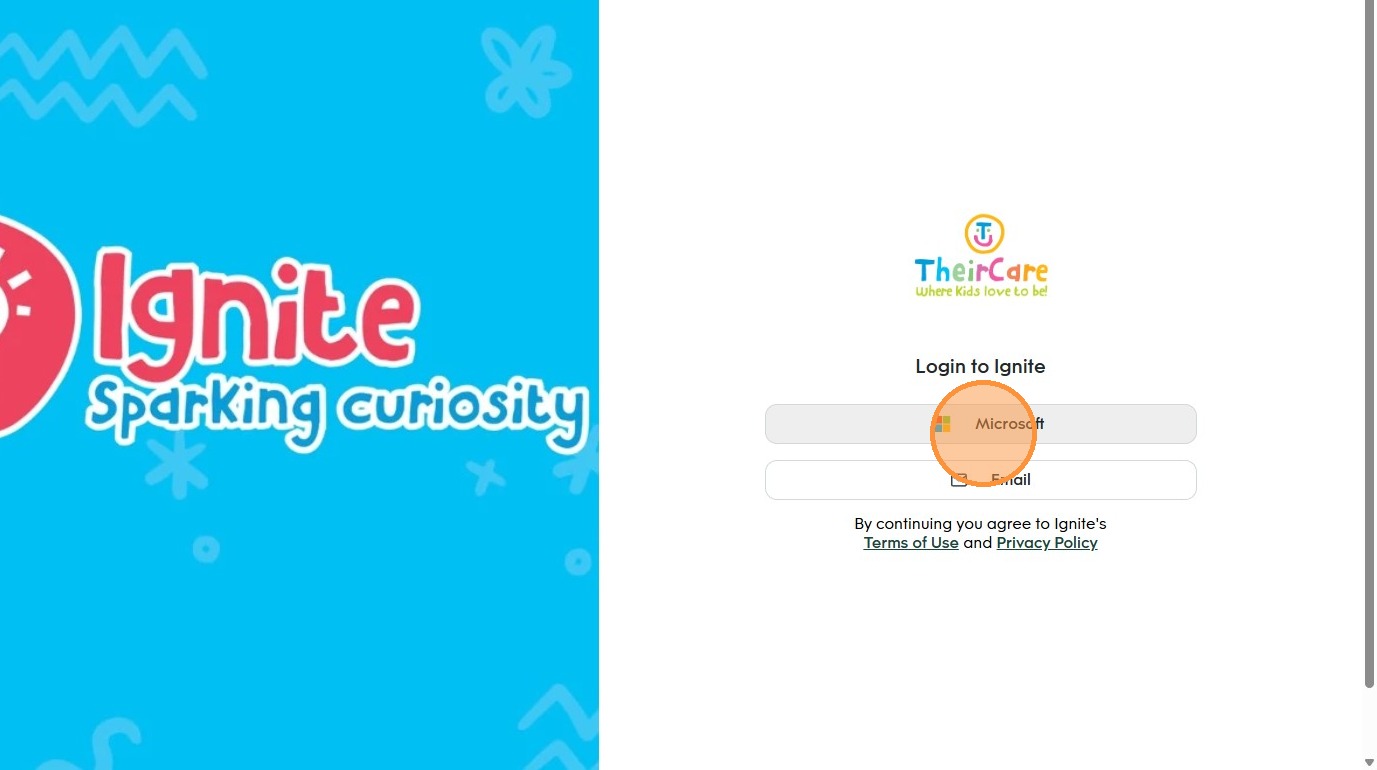
3. Select your @theircare.edu.au account.
If it is not there enter in your email address.
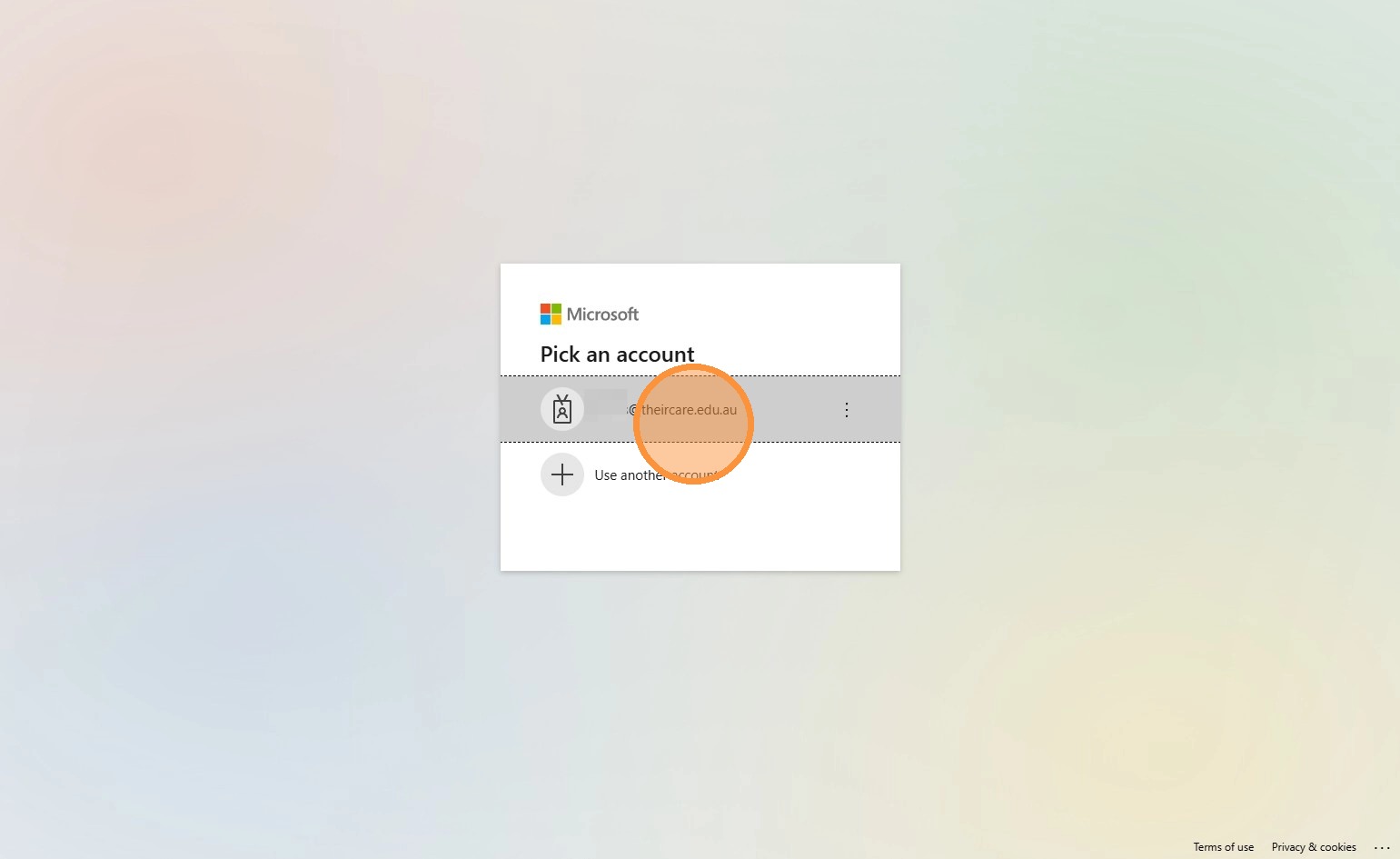
4. You will be prompted to enter your password for your @theircare.edu.au account.
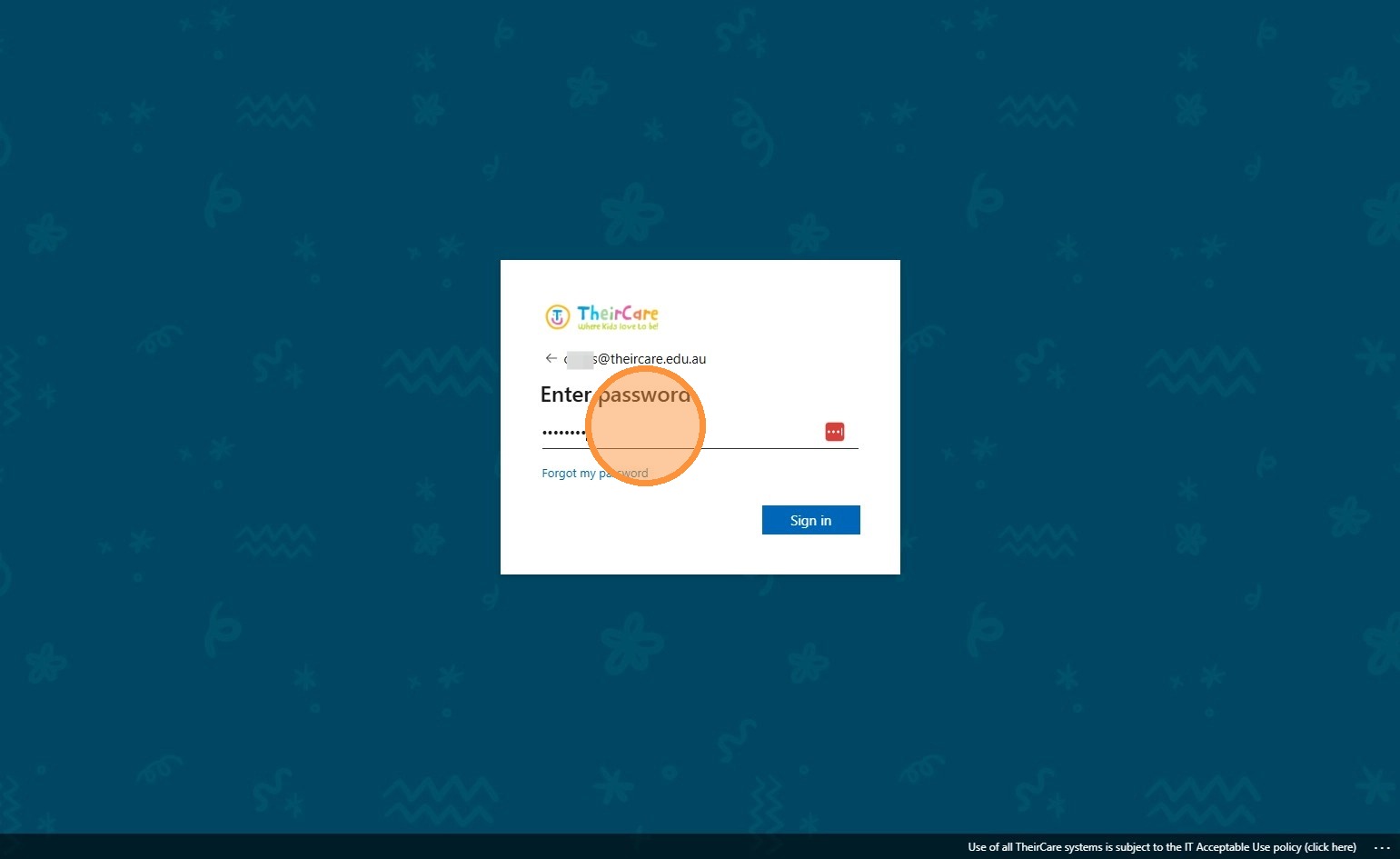
5. Click the blue Sign In button
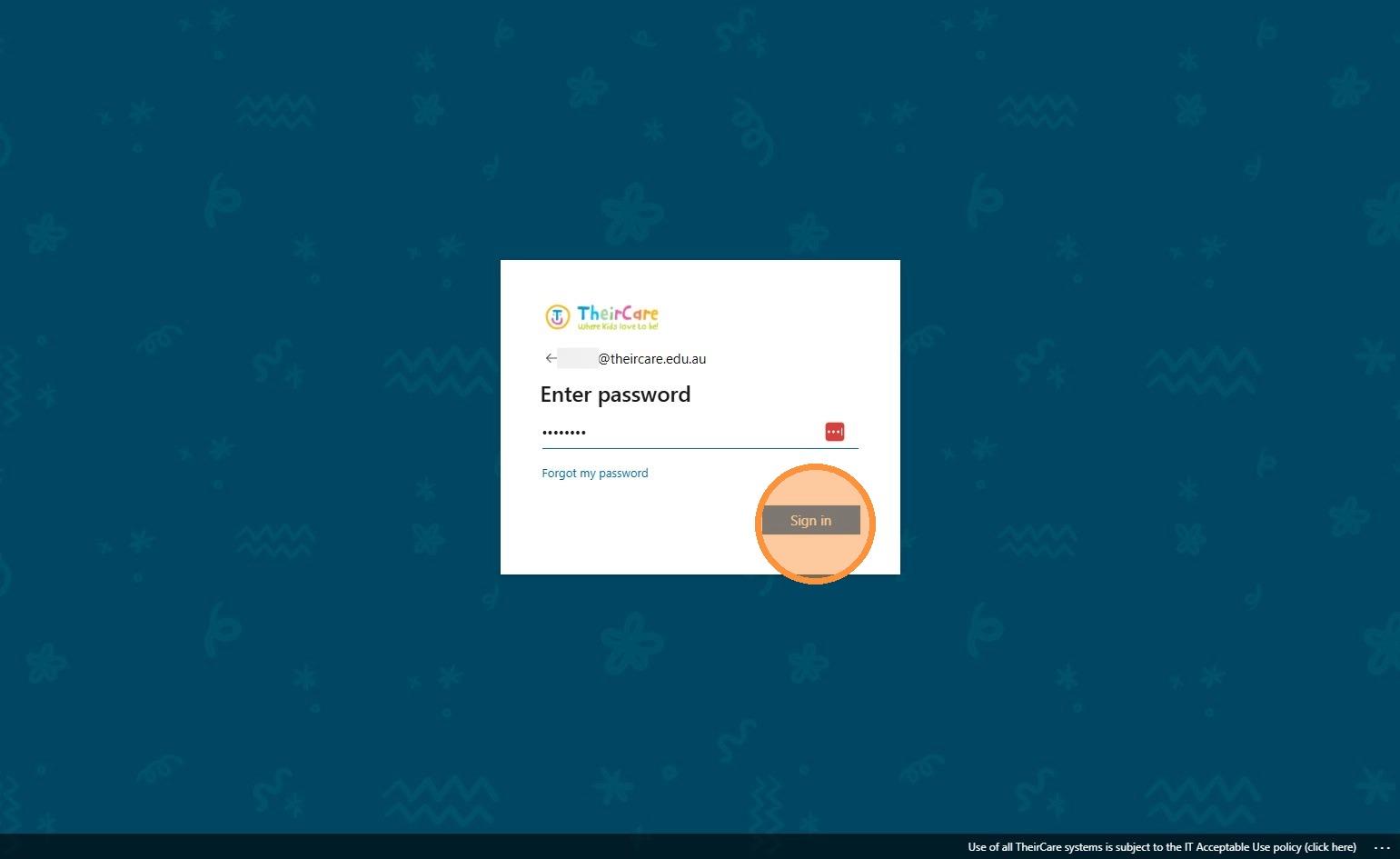
Tip: You may be prompted to enter a code from the Authenticator application or SMS. Follow the instructions on screen.
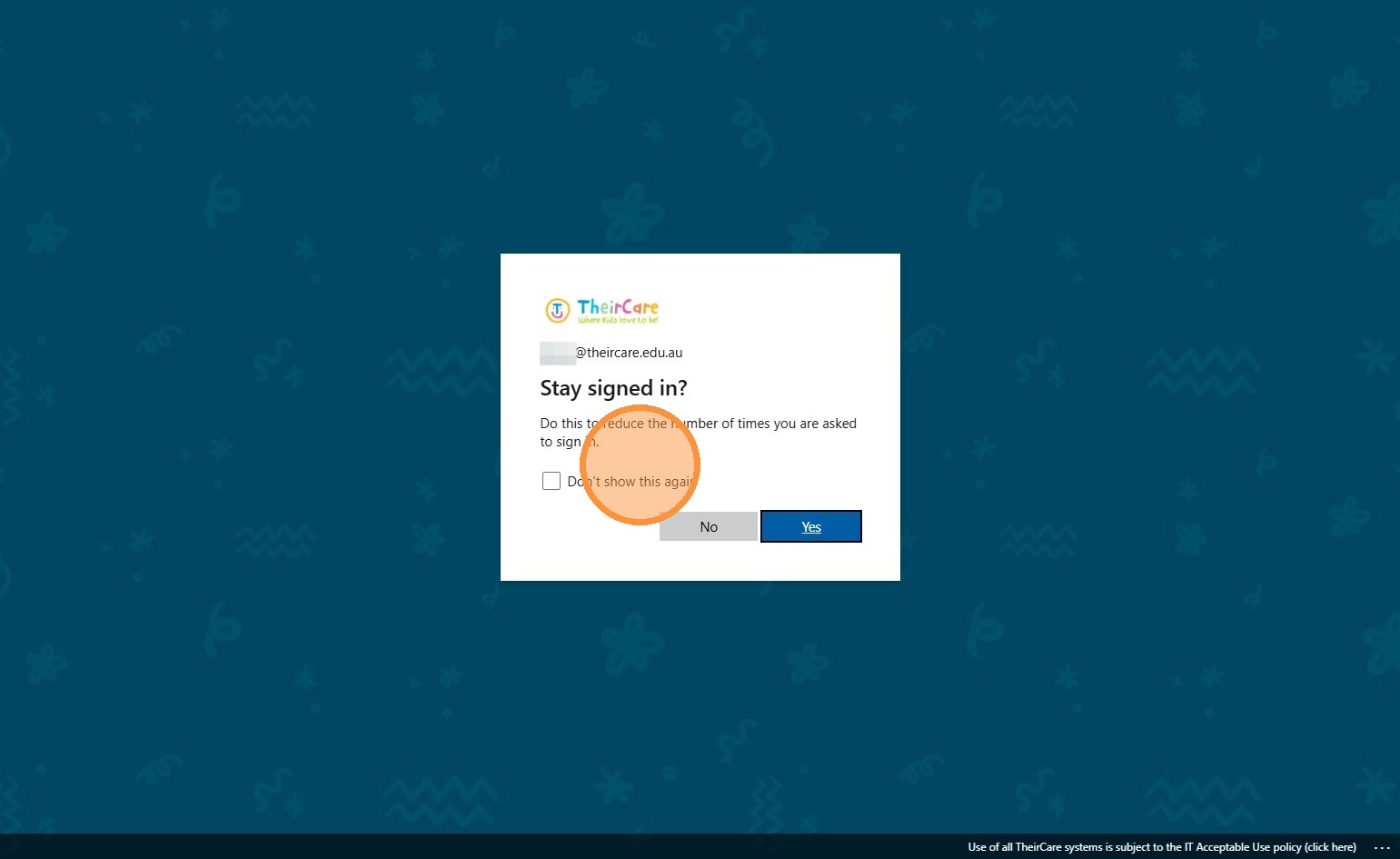
6. Click "Don't show this again"
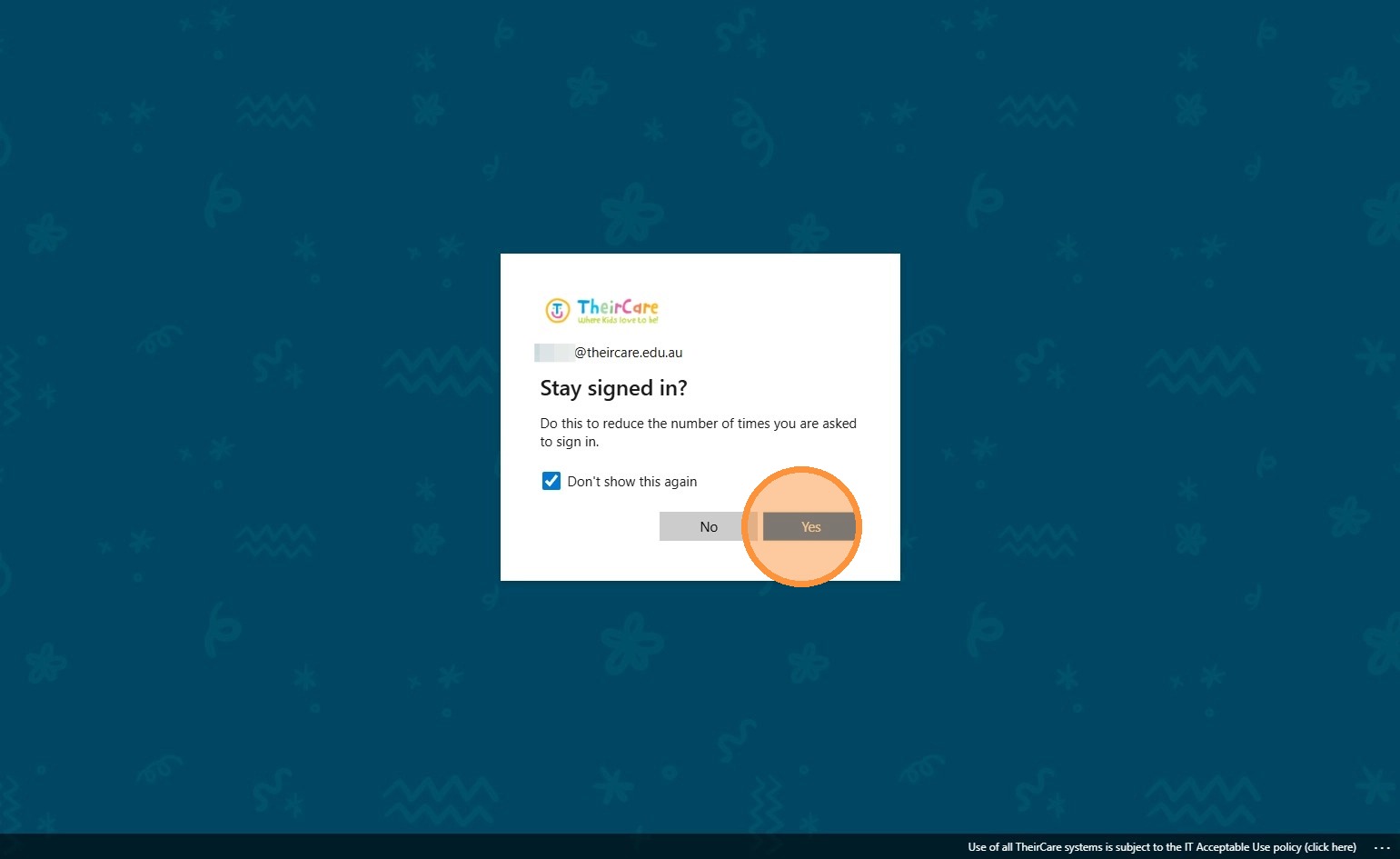
7. Click Yes.
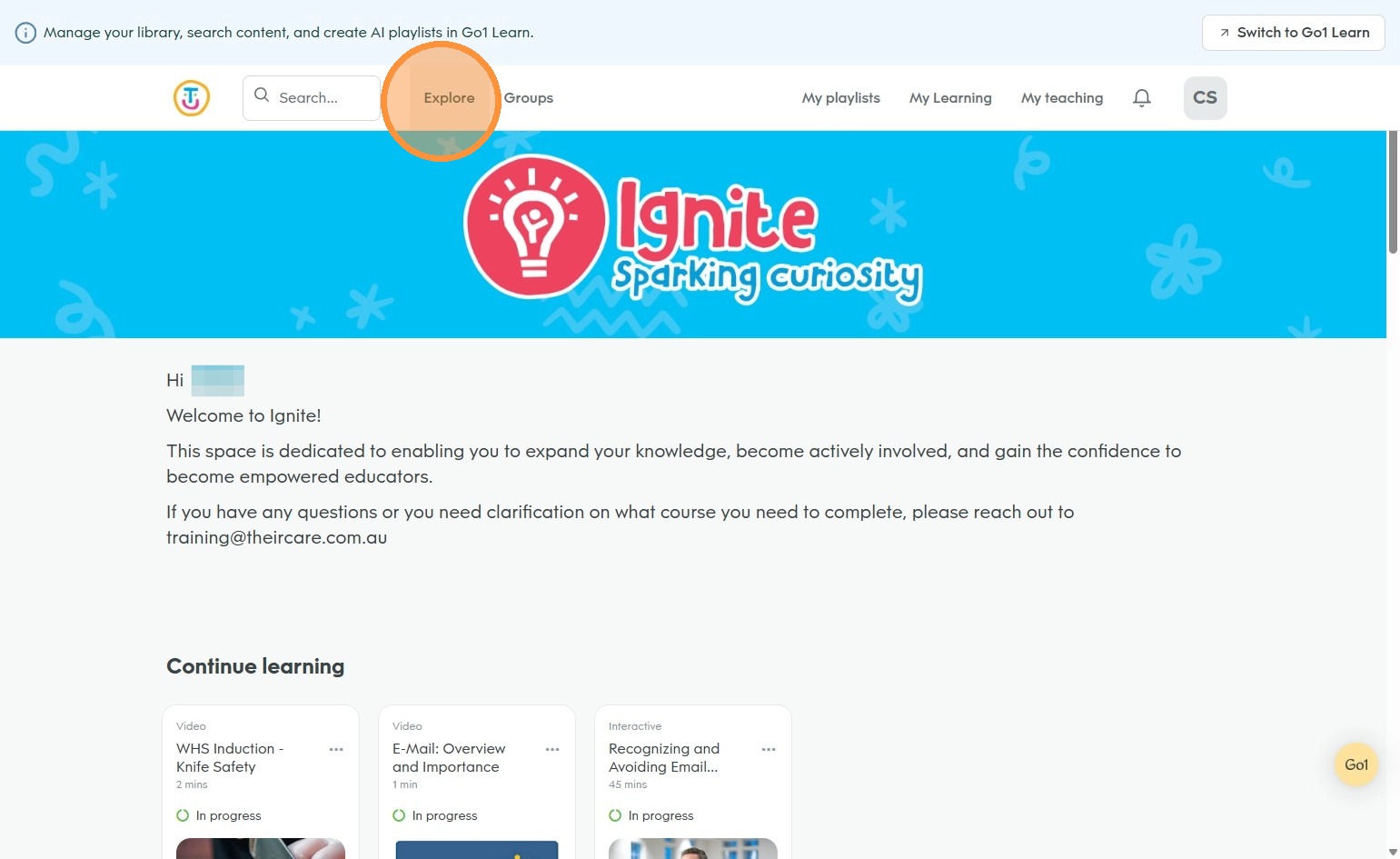
8. You are logged in and ready to use Ignite
Was this article helpful?
That’s Great!
Thank you for your feedback
Sorry! We couldn't be helpful
Thank you for your feedback
Feedback sent
We appreciate your effort and will try to fix the article