A printer driver is a software program that allows a computer to communicate with a printer. It translates data from the computer into a format that the printer can print. While modern operating systems have universal drivers, which usually allow you to simply plug in the printer and go, to ensure that you get full use of the printer capabilities like scanning, it is encouraged that you install the manufacturer's drivers.
To install the printer drivers for your printer, go to the website below, download the applicable file, run it, and follow the onscreen instructions.
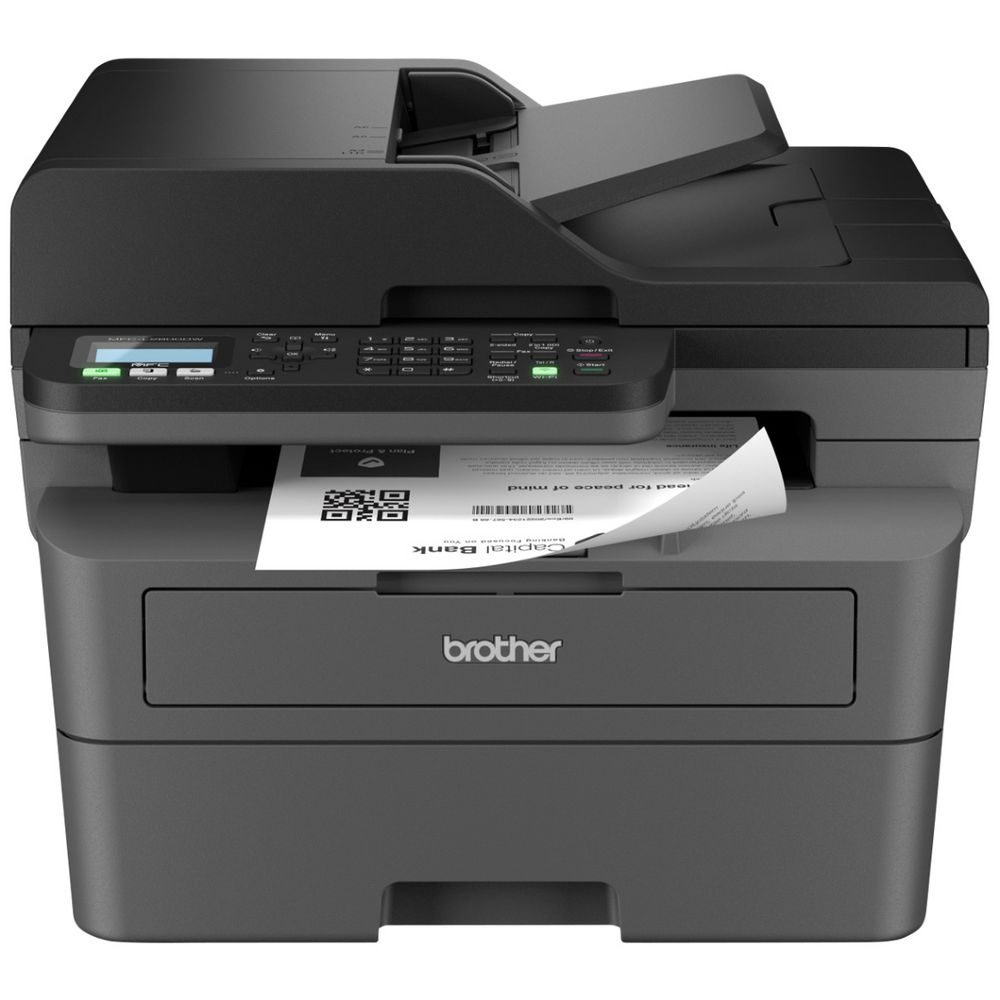
Brother MFC-L2800DW Printers
https://www.brother.com.au/en/support/mfc-l2800dw/downloads
Select Full Driver & Software Package from the options.
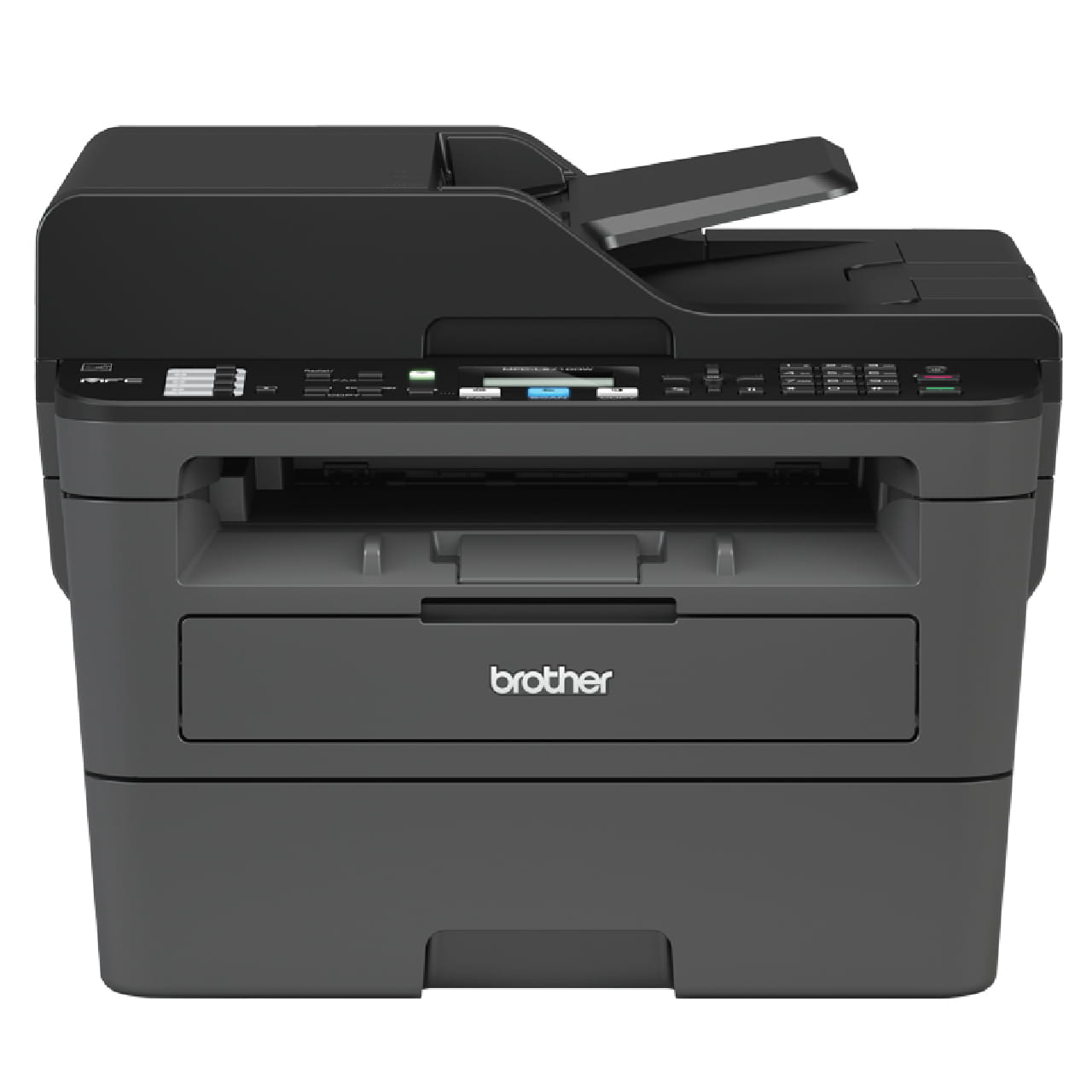
Brother MFC-L2710DW Printers
https://support.brother.com/g/b/downloadlist.aspx?c=au&lang=en&prod=mfcl2710dw_us_eu_as&os=10068
Select Full Driver & Software Package from the options.

Brother MFC-L2820DW Printers
https://support.brother.com/g/b/downloadtop.aspx?c=au&lang=en&prod=mfcl2820dw_us_as
Select Full Driver & Software Package from the options.

Brother MFC-L3755CDW Printers
https://support.brother.com/g/b/downloadtop.aspx?c=au&lang=en&prod=dcpl3520cdw_eu_as
Select Full Driver & Software Package from the options.
Other Printers
You will need to google the printer model and find the applicable drivers.
Was this article helpful?
That’s Great!
Thank you for your feedback
Sorry! We couldn't be helpful
Thank you for your feedback
Feedback sent
We appreciate your effort and will try to fix the article